


Equipment / Dell Technologies / Data Protection
Backing up is easy. Restoring takes some preparation.
A successful backup doesn't guarantee that you'll be able to get back up and running.Data protection isn't just about copying files. It's about restoring your applications within the expected timeframe, whether the cause is human error, a system failure, a cyberattack, or a disaster. With Dell's PowerProtect solutions, we design this architecture based on your recovery needs.
Two time frames shape the entire architecture
These two numbers determine everything else: the backup frequency, the number of copies, the retention period, and the architecture required for restoration. These are strategic decisions, not technical adjustments —and they must be made before the quote is prepared, never after.
The amount of work you can redo
Between backups, the work done exists in only one place. This timeframe determines how often to back up: a one-night delay in accounting data isn't as costly as a one-night delay in archives.
This is determined on a per-application basis. There is no requirement to secure document sharing with the same level of security as a production database.
The question to ask: “If we go back to where we left off last night, who needs to do more work, and for how long?”
The length of time the service remains suspended
This is the maximum recovery time. It has a much greater impact on the architecture than capacity does: restoring ten terabytes in two hours versus two days requires different platforms and a different network.
It’s also the kind of time that no one measures until they need it. A restoration attempt turns it into a number.
The question to ask: “After how many hours of downtime do we call customers?”
These two metrics have technical names—recovery point objective and recovery time objective, abbreviated as RPO and RTO —but their specific definitions are a business decision. We design protection based on recovery needs, so that backups provide true recovery capability rather than just an accumulation of copies.
Six components, one chain
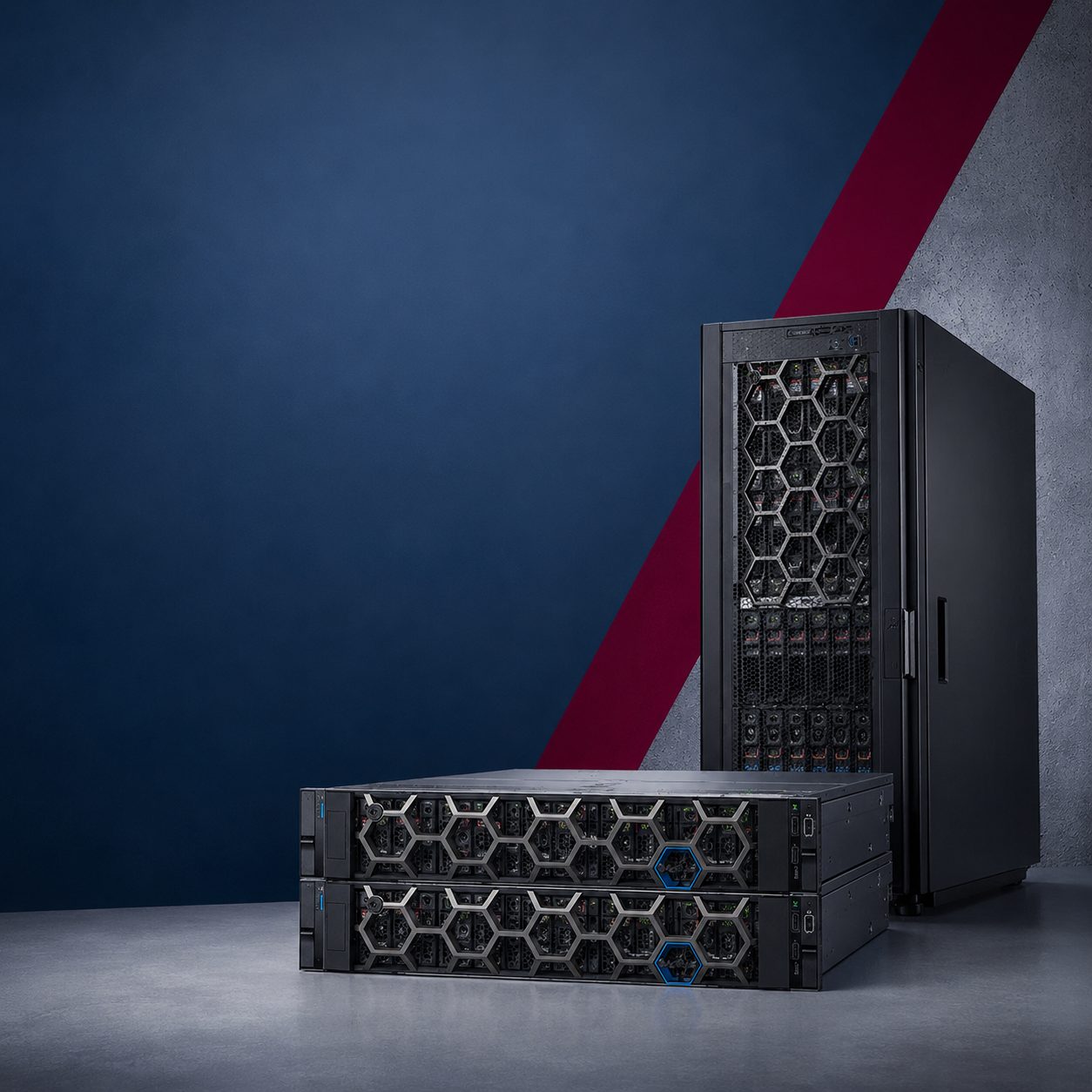
Dell’s “ PowerProtect ” offering combines backup software, dedicated storage systems, and cyber-resilience solutions. They can be deployed separately or together —the important thing is that the chain is complete, from nightly backups to disaster recovery.
The console that determines what is protected and when
The software platform that centralizes backup and recovery policies. It protects virtual machines, databases, file shares, containerized environments, Microsoft 365 and externally hosted workloads, all from a single interface.
His role in the chain is to make decisionsand provide direction. That’s where your two timeframes become applied rules.
The system that receives and stores backups
Storage systems designed to receive and retain backups. They use deduplication and compression to reduce the required storage capacity and provide immutability mechanisms that prevent data from being modified or deleted.
Its role in the chain is to receiveand retain. Immutability is what distinguishes a copy from a protected copy.
Software and hardware in a single package
An integrated solution that combines the PowerProtect Data Manager software with the resources needed for protection. It eliminates the need to assemble the components separately.
Its role in the chain is to simplifydeployment when the priority is to get started quickly and smoothly.
Backup as a Service
Protection delivered as a service. It allows you to back up externally hosted applications, workstations, and certain remote environments without having to deploy the entire backup infrastructure on-site.
Its role in the chain is to uncoverwhat lies beyond your walls—and what often falls outside the scope.
A secure vault isolated from your production systems
An isolated vault architecture designed to store a protected copy of critical data. Isolation, disconnection, and immutability reduce the risk that an attack could simultaneously compromise both production systems and the backups used to restore them.
Its role in the chain is to keepa copy out of reach—even from an attacker who has your administrative privileges.
The analysis that identifies a reliable copy
An analysis built into the vault. It examines the backed-up data to detect signs of corruption, encryption, or tampering, and to identify a reliable copy on which to base the recovery.
His role in the chain isto answerthe only question that matters on the day of the attack: “Which of these copies is still good?”
Attacks are now targeting backups
An attack that compromises backups eliminates the option to restore data—and that is precisely its goal. Three successive layers of defense address this risk, and the third is the only one that answers the question posed that very day.
A recovery plan also specifies the order: which applications are restarted first, which others they depend on, and what infrastructure must be up and running to support them. Procedures are verified and repeated: a recovery that has never been tested is not a recovery—it is merely an intention. It is also the only way to know the actual recovery time rather than just estimating it.
What is your situation?
Eight starting points. They don’t lead to the same architecture or the same budget —and recognizing which one applies to you is the key to success in the first meeting.
Your backup solution has become too cumbersome
It has become complex, costly, or inadequate in the face of your growing volumes, and every change requires a project.
Your backups are no longer finishing on time
Processes that run longer than the scheduled time slot may interfere with other applications or fail to complete at all.
It's taking too long to restore your services
Your infrastructure does not allow for the restoration of data and services within the expected timeframe, and this timeframe has never been measured.
An attack could compromise your backups
You want to isolate and lock certain copies so that you have a recovery point that no one can modify.
You're not sure if your backups are usable
Restoration procedures are rarely attempted, or they do not cover all dependencies between applications.
You protect a wide variety of environments
Virtual machines, databases, file shares, externally hosted services, Microsoft 365 or containers require a consistent strategy rather than six tools.
Your backup volumes are growing too quickly
Deduplication, compression, and retention policies must be reviewed to ensure that storage capacity does not follow the same growth curve as the data.
You must comply with regulatory requirements
Your organization must retain certain data, control its deletion, and demonstrate that it is capable of restoring it.
Keep your backups longer without buying more storage space
Two backup cycles contain largely the same data. PowerProtect Data Domain retains only one copy of each block that is already present: only new data and changes take up additional space.
What this really enables
More storage locations and longer storage periods, even though physical storage capacity is not keeping pace with the volume of items being stored. This is what makes storage for several months financially viable.
What the result depends on
The nature of the data, its rate of change, its encryption, and the backup policies used. Data that is already encrypted or compressed is hardly reduced in size at all.
Sizing is therefore never based on a projected rate. We analyze your data volumes and retention policies to design a platform capable of keeping pace with their growth, without overinvesting.
What Complements Your Data Protection
What we protect lives elsewhere. Here's where to find the rest.
The platforms where protected data resides
Block, file, and object; six platforms; and what those reduction rates actually mean.
View Storage ServersThe servers that need to be restored first
The four product lines— PowerEdge —and the chain that connects what you measure to what you buy.
View servers Managed ServicesWhen you entrust us with monitoring your backups
Contract-based operations, with written coverage hours and a designated escalation process.
See IT OutsourcingLet's talk about your business takeover
Tell us what needs to be restarted first
The applications without which your business would grind to a halt, the work you’d be willing to redo, and the number of hours of downtime you can tolerate. With these three elements, the first meeting is already productive.
What we offer is a meeting with the engineers who will carry out the work. The scope of work includes volume calculations, establishing the two timeframes, and a restoration trial. The preliminary discussion, however, is free and is often enough to determine whether the project is feasible.
Renens, Sion, Châtel-Saint-Denis
Microsoft Gold Partner and a Gold Partner Dell Technologies. A single point of contact for sizing, ordering, commissioning, and support.
Renens VD +41 21 806 37 15
Sion VS +41 27 552 00 22
Châtel-Saint-Denis FR +41 26 322 59 05